v0.1.0
feature
This release brings an exciting new feature: monitoring!
All necessities to start monitoring your backups are now in place.
How to use
To use this new feature:
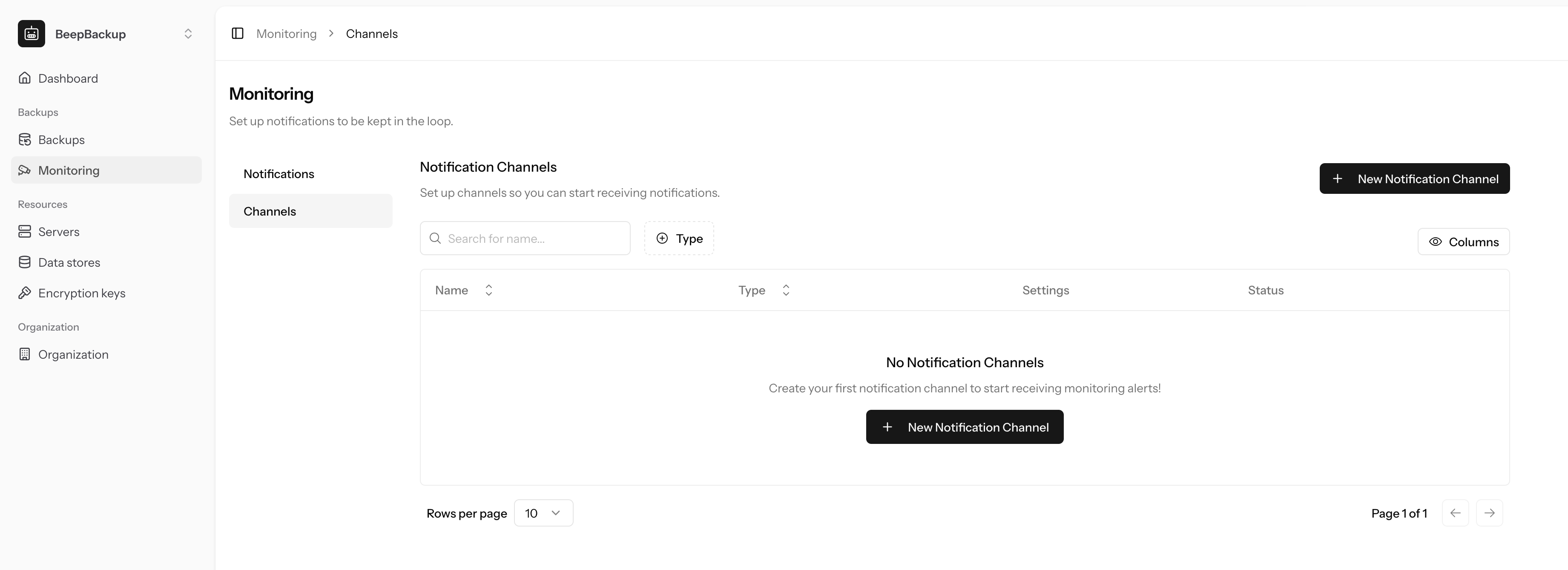
- First navigate to Monitoring -> Channels.
- Create a new Notification Channel, provide the email address you wish to receive notifications on.
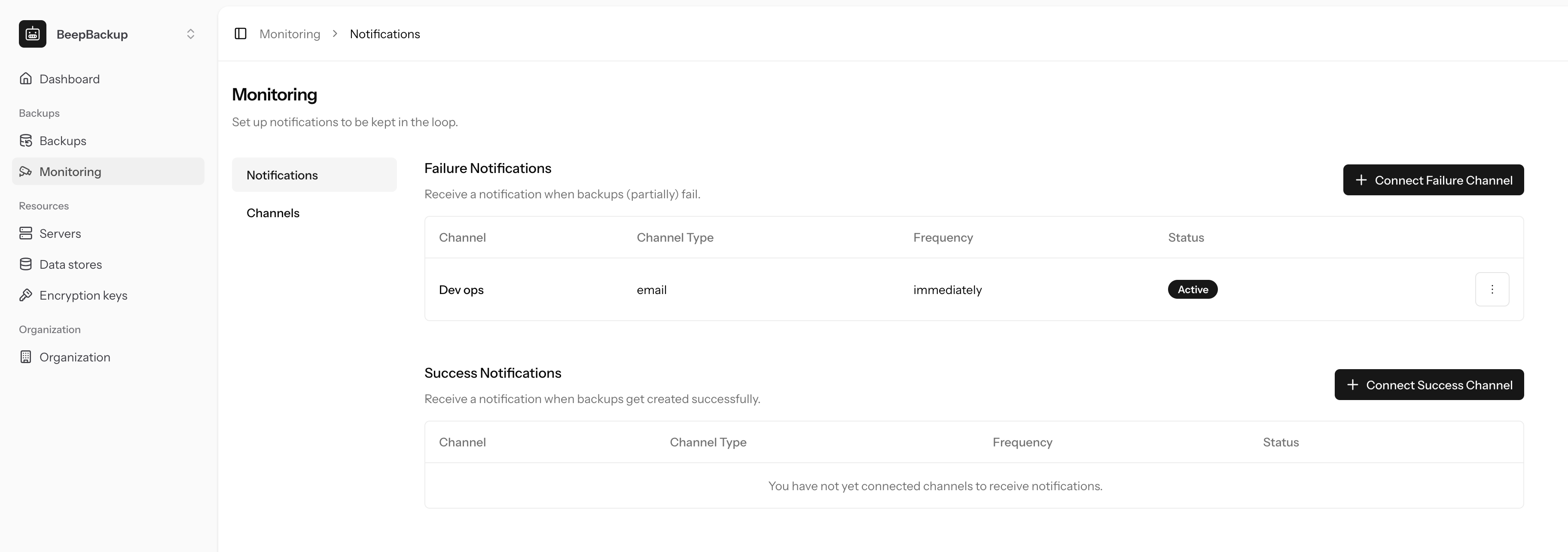
- Navigate to Monitoring -> Notifications.
- Connect your channel to the types of notifications you wish to receive.
- Choose the frequency for the notifications:
- Immediately: immediately after success/failure of a backup run
- Daily: every day a summary overview of the backup runs for yesterday
- Weekly: every monday a summary overview for all jobs of last week.
Example
- Create a
notifications@company.comchannel. - Connect it to failure notifications, on immediate frequency.
- Connect it to success notifications, on weekly frequency.
This way you get notified about succesful notifications once a week, but for failed backups immediately.
Future expansion
In the future the notification channels will be expanded with Slack, Discord and webhooks. If you have any feedback feel free to reach out!
Screenshots
Click a screenshot to open it in full resolution in a new tab.